
Description
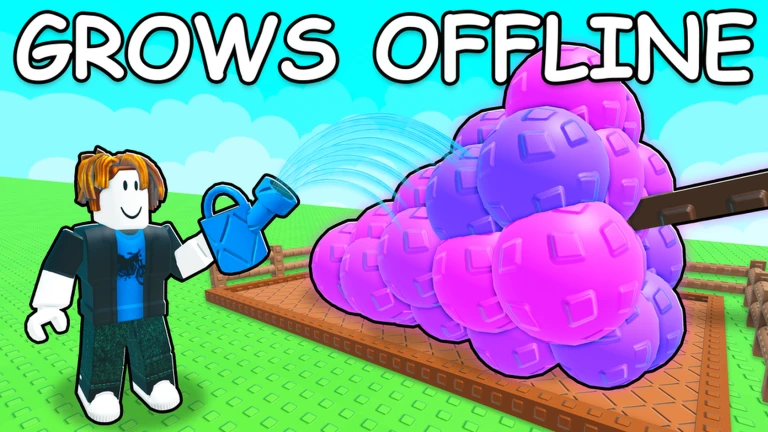
Improve your farming experience in Grow a Garden 2 with the Khangdz28 Automation Hub. This feature-packed script automates farming, harvesting, selling, and shop purchases, helping players earn more resources and expand their gardens with less manual effort.
Features
Auto Farming System
- Automatically plants, waters, and harvests crops.
- Keeps your garden running efficiently in the background.
Smart Auto Sell
- Sells selected crops automatically.
- Lets you keep valuable fruits and rare mutations while clearing excess inventory.
Auto Buy Seeds & Upgrades
- Purchases seeds, tools, and important upgrades automatically.
- Helps accelerate progression and garden growth.
Save Settings
- Stores your preferred configuration and feature settings.
- Quickly reloads your setup whenever you rejoin the game.
Garden Management Tools
- Includes plot monitoring and automation utilities.
- Helps maintain a smooth and organized farming workflow.
Player Utilities
- Additional movement and convenience features for easier navigation.
- Designed to improve overall gameplay efficiency.
Compatibility
The script is optimized for both mobile and PC executors, providing stable performance across a variety of Roblox execution platforms.
How to Use
- Open your preferred Roblox executor.
- Join Grow a Garden 2 and wait for the game to fully load.
- Clear any previously executed scripts.
- Paste the script into your executor.
- Execute the script and customize the available automation features.
With automated farming, smart selling, seed purchasing, and customizable settings, the Khangdz28 Automation Hub is a useful tool for players looking to streamline their Grow a Garden 2 progression.
Features
Compatible Executors
Script
loadstring(game:HttpGet("https://api.luarmor.net/files/v4/loaders/02aa406b5f08148ae778a67d87955a88.lua"))()Comments (0)

No comments yet. Be the first!