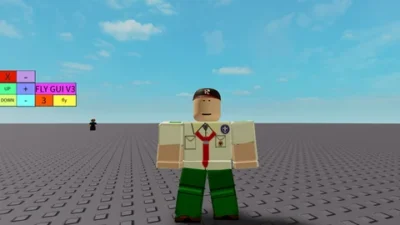
Universal Fly GUI V3 Script | 3D Aerial Flight & Movement Control by XNEOFF
 Keyless
Description
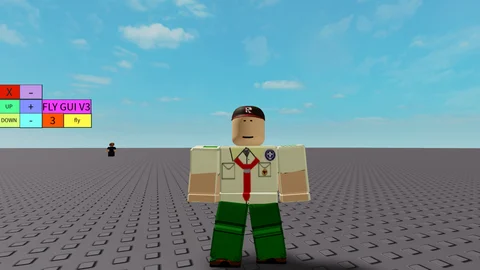
Take control of your movement across almost any Roblox experience with Fly GUI V3 by XNEOFF. Executed via a Lua loadstring command, this script injects a floating control interface that grants full 3D flight capabilities to your avatar. Whether navigating open maps or accessing high-altitude areas in games without native flight mechanics, Fly GUI V3 offers smooth aerial maneuvering with customizable speed controls for both mobile and PC executors. This script is a fly gui works on solara and mobile and many others.
Features
- Universal Flight Engine: Enables 3D movement through the air across standard Roblox player character models.
- Adjustable Flight Speed: Fine-tune your flying velocity dynamically through the floating menu.
- Bypass Map Limits: Fly and maneuver freely in games that lack built-in flight mechanics.
- Clean UI Interface: Lightweight floating GUI dashboard with simple toggles for quick activation.
How to Use with Delta Executor
- Copy the Script: Grab the raw GitHub loadstring command from the code box below.
- Attach Delta: Launch your chosen Roblox game and open your floating Delta Executor console interface.
- Execute the Script: Paste the command directly into Delta’s code workspace terminal and click execute.
- Take Flight: Use the Fly GUI menu overlay to toggle flight mode and adjust your movement speed.
Features
Compatible Executors
Script
loadstring(game:HttpGet("https://raw.githubusercontent.com/XNEOFF/FlyGuiV3/main/FlyGuiV3.txt"))()Comments (0)

No comments yet. Be the first!