SG Hub Speed Keyboard Escape Script | Auto Win, Auto Escape, Auto Farm, Unlock All

Description
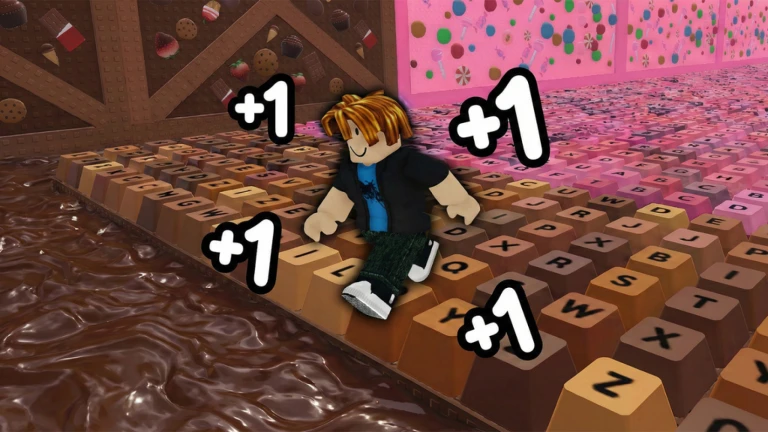
The SG Hub dashboard is a highly versatile optimization script created for the Candy & Chocolate update of +1 Speed Keyboard Escape. By streamlining server event triggers and automate-routing character paths, it speeds up win totals, simplifies stage completion, and unlocks available cosmetics.
Here is a straightforward explanation of what this utility hub and its main features actually do:
Core Feature Explanations
- Auto Win & Auto Escape: Automatically redirects your character’s position vectors directly to final zone milestones. It instantly wraps up levels, bypassing platforming obstacles to deposit wins directly into your profile stats.
- Auto Farm Mode: Systematically cycles through active checkpoints and seasonal item drops. It keeps your character moving efficiently across target areas to farm movement speed points and event candies hands-free.
- Unlock All Cosmetics: Overrides local restriction arrays to instantly unlock the game’s cosmetic items, allowing you to equip any available movement trail or customization option from the inventory screen right away.
- Daily Maintenance Updates: Refreshes its codebase daily to sync with structural map additions or game patches, ensuring consistent execution and stability across various mobile and PC injection software.
How to Use the Script
Ready to run the SG Hub utility? Follow these steps to execute the loader safely on your device:
- Open Your Executor: Fire up your preferred, updated Roblox exploitation utility (fully stable on mobile platforms like Delta/Codex and PC suites like Wave/Synapse Z).
- Launch the Game: Join an active server of +1 Speed Keyboard Escape and allow your player inventory and game maps to finish loading completely.
- Clear Your Workspace: Open your injector’s script panel and delete any old script lines to ensure a clean compilation.
- Copy and Paste the Loadstring: Copy the official API-hosted Luau code block provided below and paste it directly into your console code editor.
Execute the Code: Click the Execute button to inject the script. A clean graphical user interface (GUI) overlay will drop onto your viewport, letting you seamlessly toggle your automated farming routines, instant wins, and cosmetic unlocks on the fly.
Features
Compatible Executors
Script
loadstring(game:HttpGet("https://api.jnkie.com/api/v1/luascripts/public/c4ff682a26ae20ce979cf2c83cdad3ca7b045c595d264de8c8e12bd27bc3b5ab/download"))()Comments (0)

No comments yet. Be the first!